
© 2026 paymery. Documentation.
Paymery includes a full localization (i18n) system for both the public website and the admin panel. You can control the default language globally from the admin settings, and optionally allow visitors and users to switch languages from the site header.
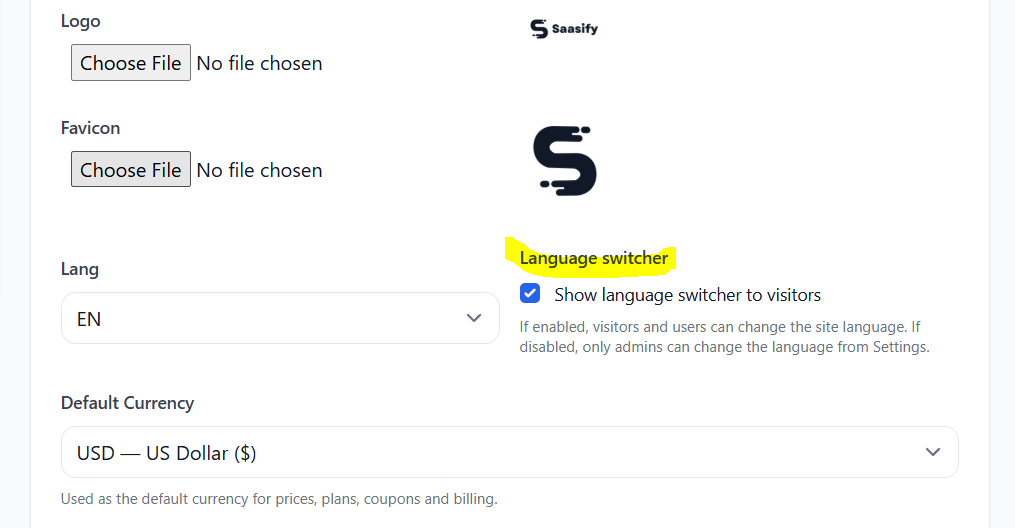
In the admin panel, go to Settings and locate the Lang option. This value defines the default language used across the entire system:
Next to the language setting, you will find Language switcher. If enabled, visitors and users can change the site language from the header. The selected language is stored in the session.
Enable language switcher from Settings:
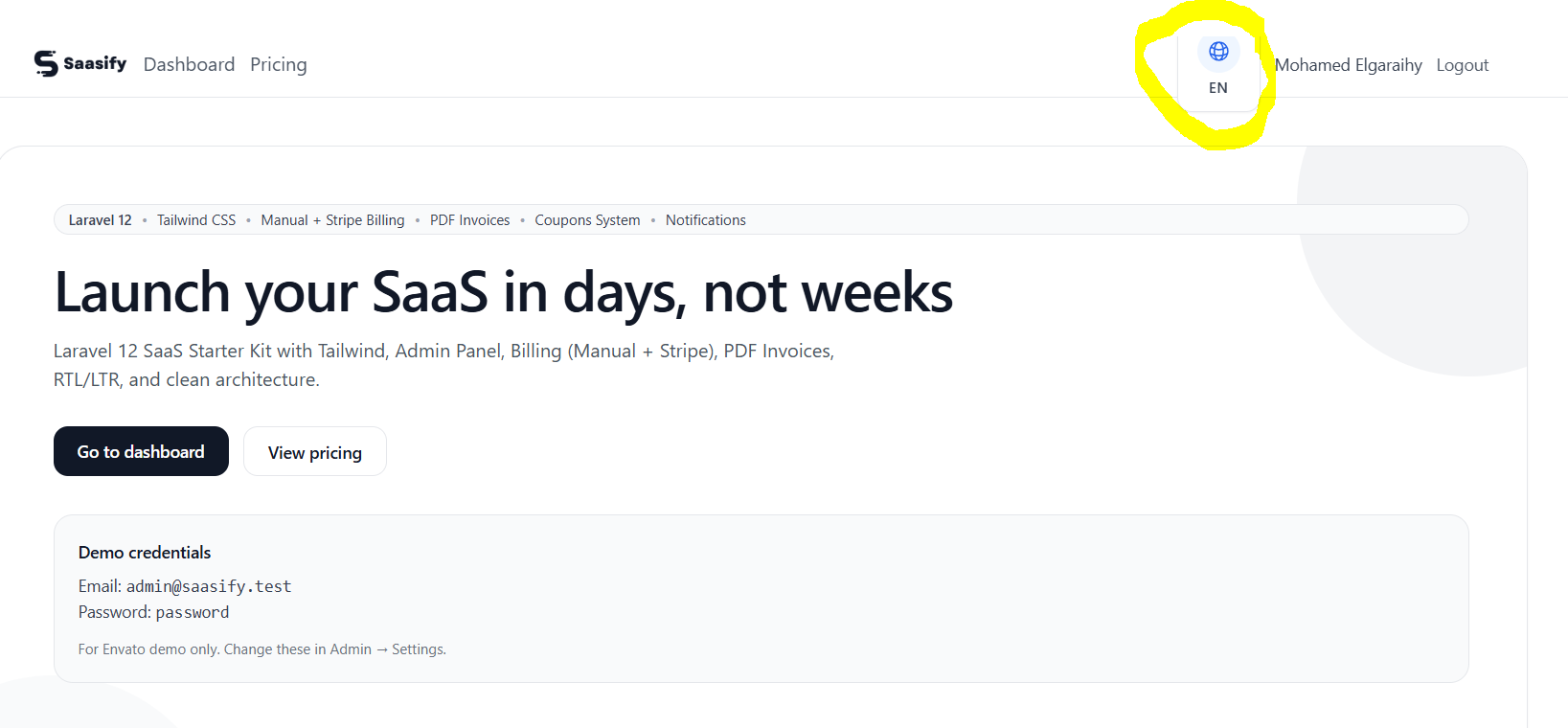
When enabled, users will see a language switcher in the header:
Paymery ships with:
Arabic is fully supported with RTL direction, ensuring the UI components and layout render properly for Arabic users.
All translation files are stored in:
resources/lang/en
resources/lang/ar
Each language folder contains translation files used by different parts of the system, such as:
admin.php – Admin panel stringsapp.php – General application stringsauth.php – Authentication stringspublic.php – Public website stringsTo update a translation, simply edit the appropriate file inside the target language folder. For example:
resources/lang/en/public.phpresources/lang/ar/admin.php
You can add a new language by creating a new language folder (for example fr)
and translating the existing keys.
resources/lang/fr
Copy the translation files from resources/lang/en into resources/lang/fr,
then translate the values (keep keys unchanged).
Make sure these files exist in the new folder:
admin.phpapp.phpauth.phppublic.phpAfter adding the translation folder, you must enable the language in:
config/i18n.php
Add your new locale under supported_locales (including direction):
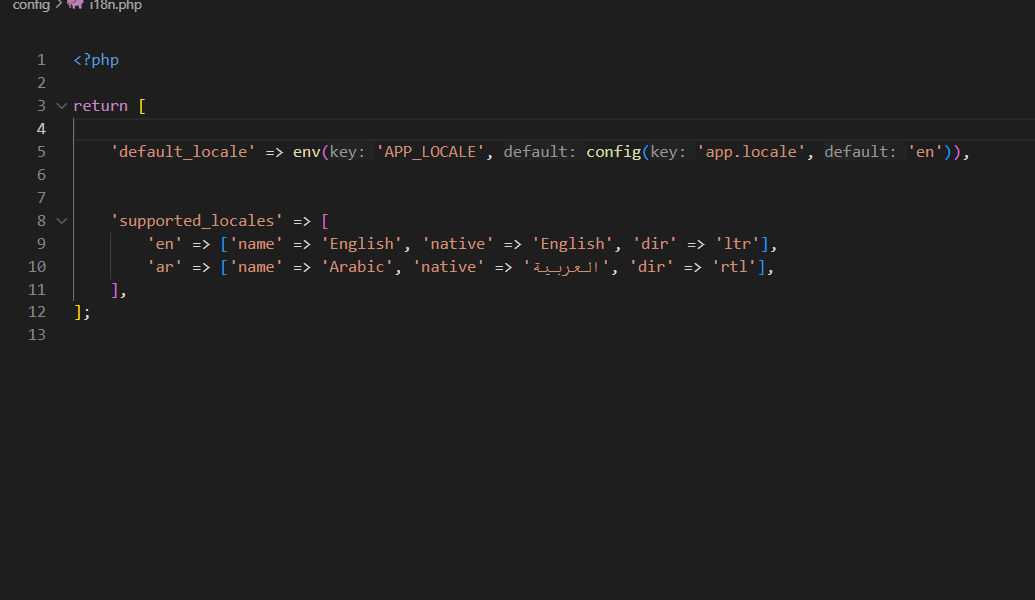
Example structure:
'supported_locales' => [
    'en' => ['name' => 'English', 'native' => 'English', 'dir' => 'ltr'],
    'ar' => ['name' => 'Arabic',  'native' => 'العربية', 'dir' => 'rtl'],
    'fr' => ['name' => 'French',  'native' => 'Français', 'dir' => 'ltr'],
],Paymery uses a translation helper function to render translated strings in Blade. Example:
{{ t('public.landing.features.items.invoices_title') }}
This reads the translation key from your language files (e.g. public.php)
based on the currently active language.
config/i18n.php.